Why Most Excel Sheets Break After 6 Months (And How Professionals Prevent It)
Most Excel sheets fail not because of bad formulas, but because of poor structure and short-term thinking. This detailed guide explains why Excel files break over time and how professionals design sheets that last.
Why Most Excel Sheets Break After 6 Months (And How Professionals Prevent It)
Almost every workplace relies on at least one Excel file that everyone trusts — a tracker, a report, or a dashboard. It works perfectly at first, delivers results for months, and then slowly starts producing confusion, errors, or incorrect decisions.
This is not an Excel problem. It is a design problem. Most Excel sheets are built to work immediately, not to survive real-world usage.
The Real Reason Excel Sheets Fail
Excel sheets break because they are treated like finished documents instead of living systems. Over time, data grows, users change, and requirements evolve. If a sheet is not designed for change, it will eventually collapse.
1. Hard-Coded Numbers That Nobody Questions
One of the most dangerous Excel habits is embedding fixed numbers directly into formulas. These values often represent assumptions — tax rates, targets, conversion factors — that silently become outdated.
Months later, no one remembers why the number exists, but everyone trusts the result.
Professional approach: Keep all assumptions clearly labeled in separate cells.
2. Sheets Designed for One Person’s Memory
Many Excel files only make sense to their creator. Column logic, color meanings, and calculation flow live in someone’s head — not in the file.
When that person is unavailable, the sheet becomes fragile.
- No explanations
- Unclear column purposes
- Visual formatting with no logic
If a sheet requires verbal explanation, it is already a long-term risk.
3. Formulas That Are Too Clever
Deeply nested formulas may look impressive, but they are difficult to maintain. Over time, small changes create unexpected results, and debugging becomes painful.
Professionals favor clarity over cleverness. Readable formulas outlast brilliant ones.
4. No Structure for Growth
Many Excel files work perfectly with small datasets and fail when data grows. This happens when sheets rely on fixed ranges, manual extensions, and static charts.
Without structured tables and scalable logic, growth becomes a breaking point.
5. Multiple Editors, No Protection
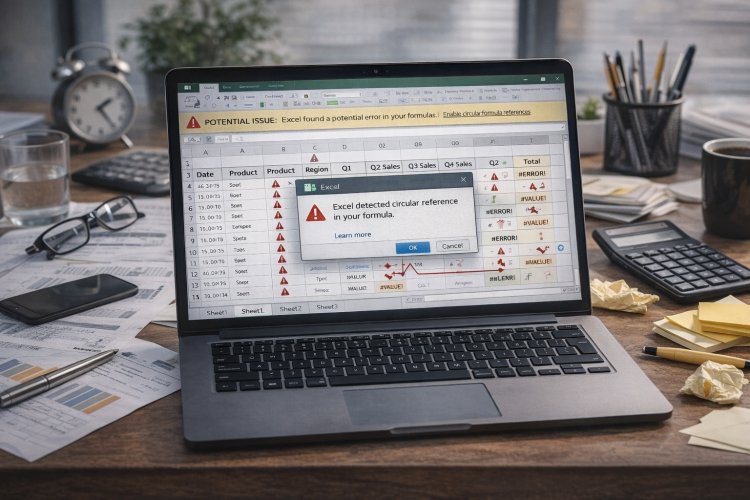
As soon as multiple people edit the same file, accidental damage becomes inevitable. Columns are deleted, formulas are overwritten, and formatting is changed unintentionally.
Without basic protection and data validation, the sheet slowly degrades.
How Professionals Build Excel Sheets That Last
Excel files that survive years usually share common design principles:
- Clear separation of inputs, calculations, and outputs
- Readable formulas with helper columns
- Consistent formatting with meaning
- Built with future users in mind
These files do not just work — they earn trust.
Knowing When Excel Is No Longer the Right Tool
Experienced users also know Excel’s limits. When collaboration becomes complex, automation is critical, or data volume grows continuously, Excel may no longer be the right solution.
Recognizing this is a sign of maturity, not failure.
Final Thoughts
Most Excel sheets do not fail suddenly — they decay slowly. The difference between fragile files and reliable systems is intentional design and long-term thinking.
If your Excel files are built to handle change, they will not just survive — they will become assets people rely on.
What's Your Reaction?