Best Online Tools (2026): Free & Powerful Web Tools for Everyday Use
Online tools can replace expensive software for editing documents, images, videos, PDFs, coding, and productivity. This guide lists the best free and powerful online tools you should know in 2026.
Best Online Tools (2026)
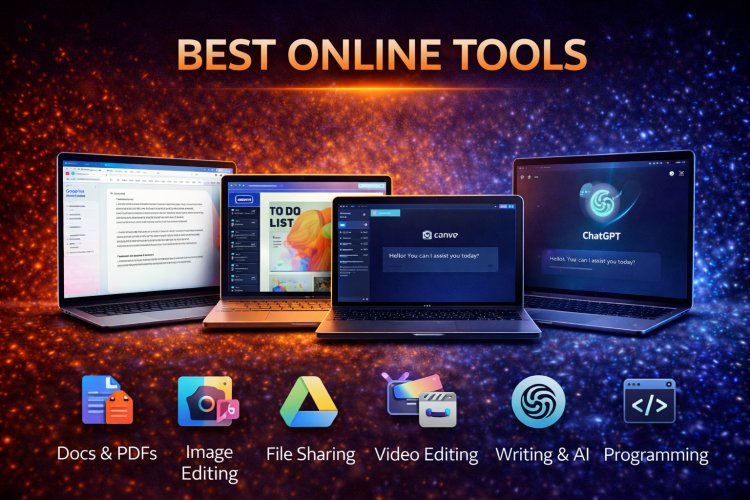
Online tools have quietly replaced a large portion of traditional software. Today, you can edit documents, images, videos, PDFs, and even code directly from your browser — often for free.
This guide covers the best online tools across categories, explaining what they do and who should use them.
Best Online Tools for Documents & PDFs
Google Docs / Sheets / Slides
- Create and edit documents online
- Real-time collaboration
- Auto-save to cloud
ILovePDF / Smallpdf
- Merge, split, compress PDFs
- PDF to Word / Excel conversion
- Free tier available
Best Online Tools for Image Editing
Canva
- Design posters, thumbnails, resumes
- Templates for social media
- No design skills required
Photopea
- Photoshop-like editor in browser
- Supports PSD, PNG, JPG
- Ideal for quick edits
Best Online Tools for Video Editing
CapCut Web
- Easy video editing
- Auto captions
- Social-media-ready exports
Clipchamp
- Beginner-friendly interface
- Good for presentations & short videos
Best Online Tools for AI & Writing
ChatGPT
- Writing assistance
- Code explanations
- Idea generation
Grammarly
- Grammar & tone correction
- Email and document writing
Best Online Tools for Developers
GitHub
- Code hosting
- Version control
- Open-source collaboration
CodePen / JSFiddle
- Test HTML, CSS, JavaScript online
- No setup required
Best Online Tools for Productivity
Notion
- Notes, tasks, databases
- Personal and team use
Trello
- Task management
- Visual workflow boards
Best Online Tools for File Sharing & Storage
Google Drive
- 15GB free storage
- Easy file sharing
WeTransfer
- Send large files quickly
- No account required (free tier)
Best Online Tools for Learning
Khan Academy
- Free education content
- Math, science, and more
Coursera / edX
- University-level courses
- Free audits available
Who Should Use Online Tools?
- Students
- Freelancers
- Small businesses
- Creators and developers
Why Online Tools Are the Future
- No installation required
- Cross-platform compatibility
- Lower cost
- Always up to date
Final Verdict
Online tools have reached a point where most users no longer need expensive software.
For everyday tasks, browser-based tools are faster, cheaper, and more convenient.
The smartest workflow in 2026 combines cloud tools + local apps only when necessary.
What's Your Reaction?